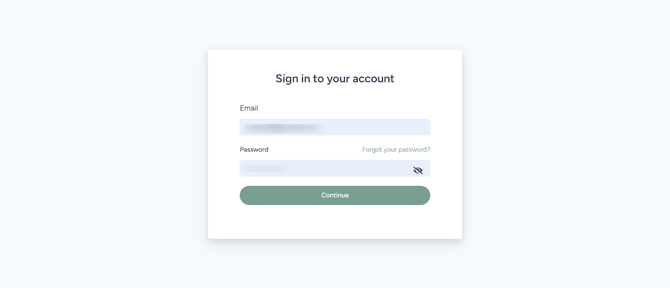
Every new Growth99+ business account user must verify their email address before accessing the full platform features. Email verification is the first step in setting up your clinic and creating your Growth99+ profile.
STEP 1: Check Your Inbox
After registration, you will receive a system-generated welcome email from Growth99 with the subject line: “Welcome to [Your Business Name]”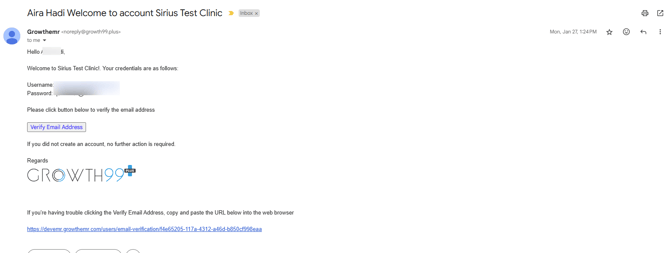
STEP 2: Open the Email
Inside the email, you’ll find:
- Your login credentials
- A “Verify Email Address” button
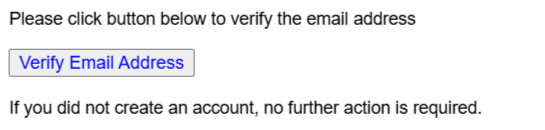
Click the "Verify Email Address" button to begin the verification process.
STEP 3: Email Verified
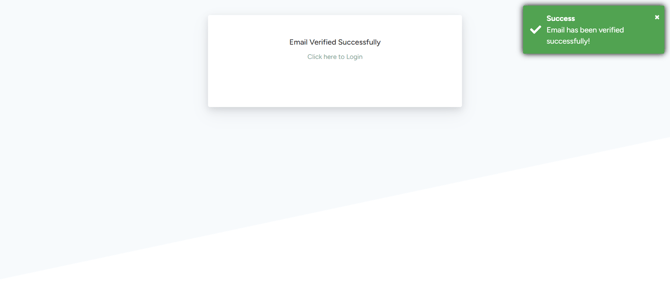
You’ll be redirected to a confirmation page showing the message: “Email verified successfully.”
STEP 4: Logging In
Click on the “Click Here to Login’’ link to log into Growth99+.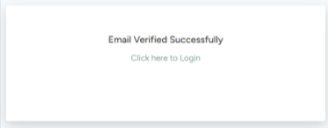
STEP 5: Access Your Account
Use the username and password provided in the welcome email to log in to your Growth99+ account.