
Export Selected Leads
Export All contacts
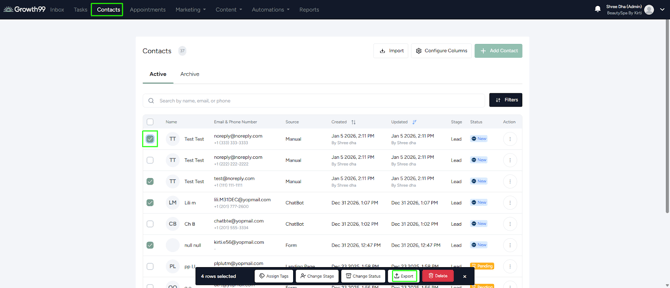
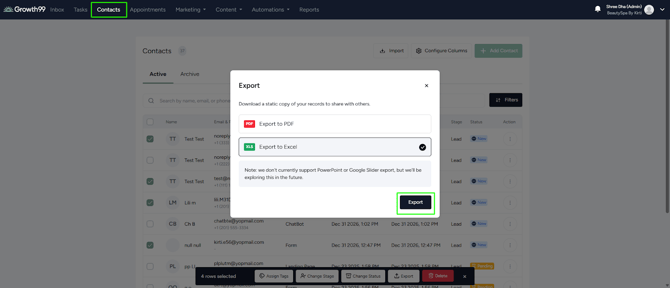
- Navigate to the Contacts module, select the leads using the checkboxes, click Export, and select PDF or Excel.
Export a Single Lead
- Navigate to the specific lead you wish to export.
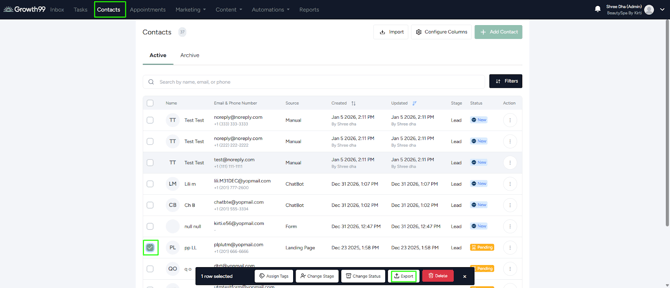
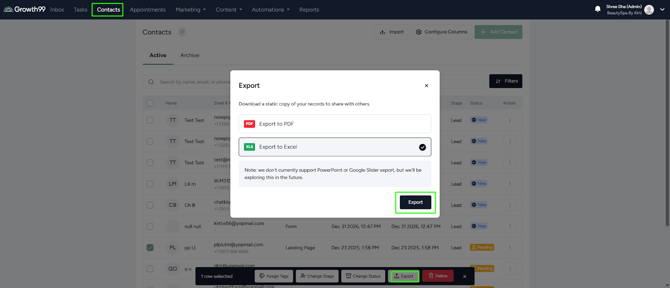
- Click Export to PDF to download the lead details as a PDF file.
Export All contacts
- Go to the contact module.
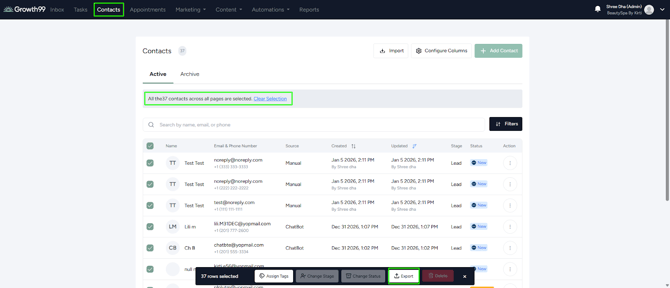
- Click Export to PDF to download the entire contacts list as a PDF file.
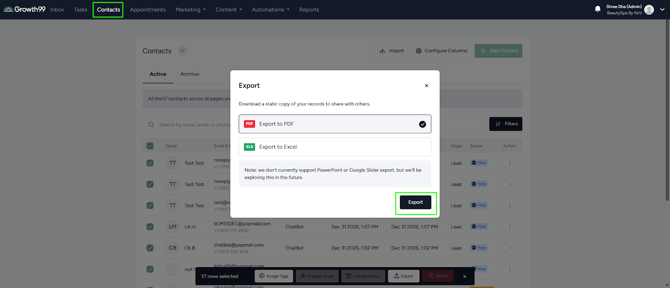
- Click Export to Excel to download the entire contacts list as an Excel file.
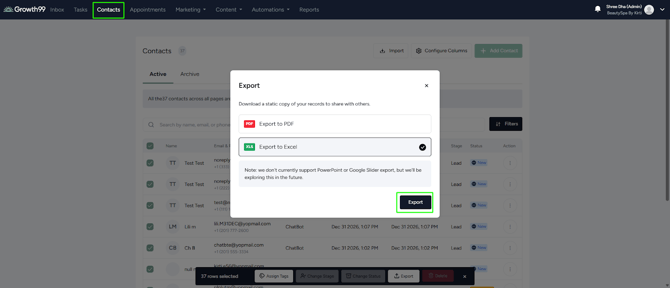
These methods make it easy to manage and utilize your leads data from Growth99+.